How Much Does an Exhibition Stand Cost?
8 September 2026
Screens are the most over-bought and under-used thing on a show floor. This is what each type is genuinely good for, how to size it for your space, and how to avoid paying for kit that nobody stops to look at.
A screen on a stand does one of three jobs: it shows something you physically cannot bring to the show, it gives your team a reason to start a conversation, or it makes you visible from further down the aisle. Any screen that is doing none of those is a rented rectangle playing to nobody.
That sounds obvious, but it is the difference between a screen that earns its cost and the very common sight of a looping brand video with three chairs in front of it, all empty. Decide which of the three jobs yours is doing before you decide what size to hire.
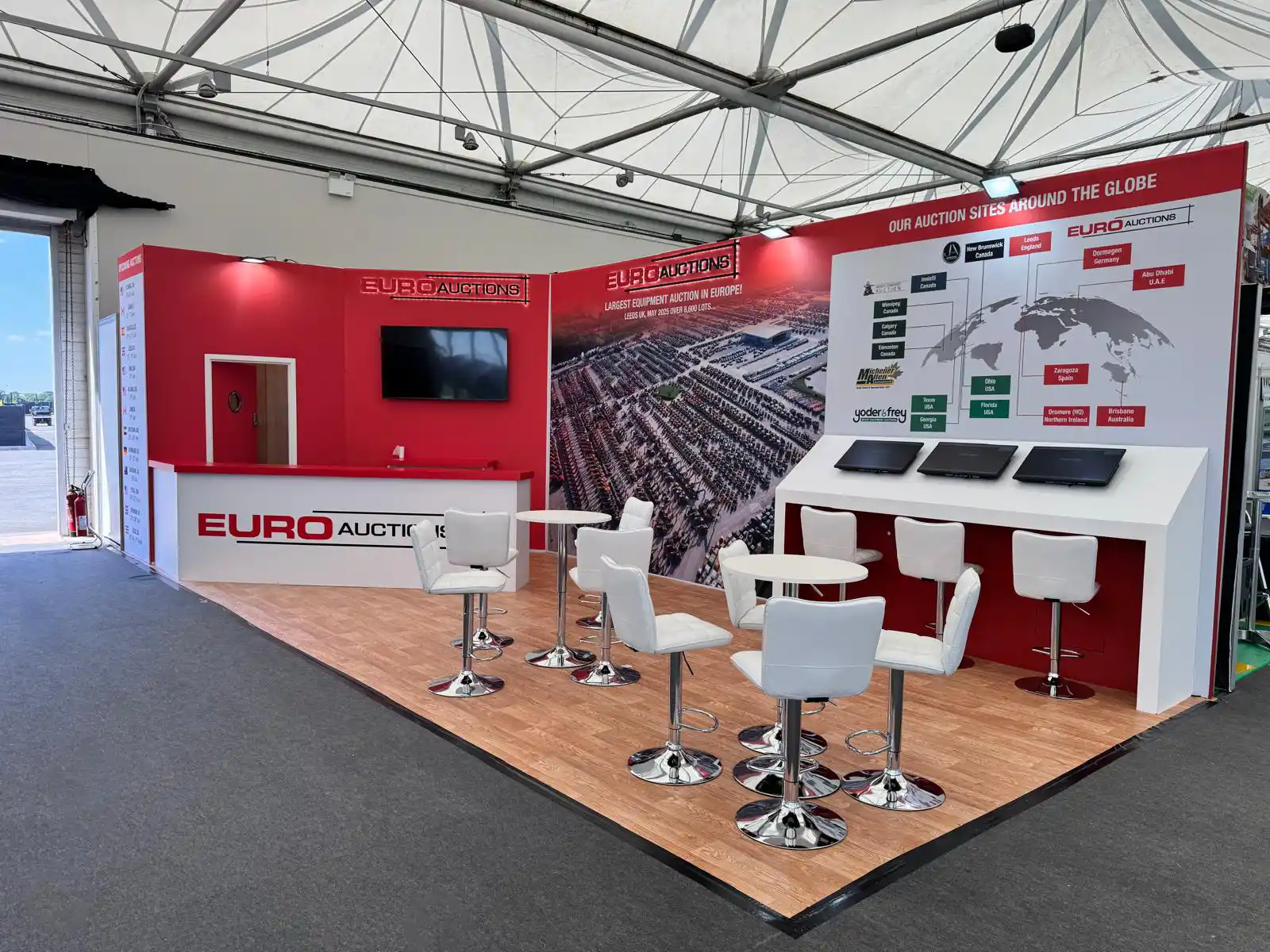
Full HD and 4K, floor-standing or mounted into the stand structure.
Ten-point and dual-touch, for configurators and product browsers.
Desktop and floor-standing, locked down for data capture.
Speakers, mixers, radio mics, media players and control laptops.
Everything below is available on its own or as part of a full stand build, and all of it is listed with prices on our hire pages so you can put a figure together before speaking to anyone. Prices cover the full duration of your event rather than being charged per day, and include delivery, installation and collection.
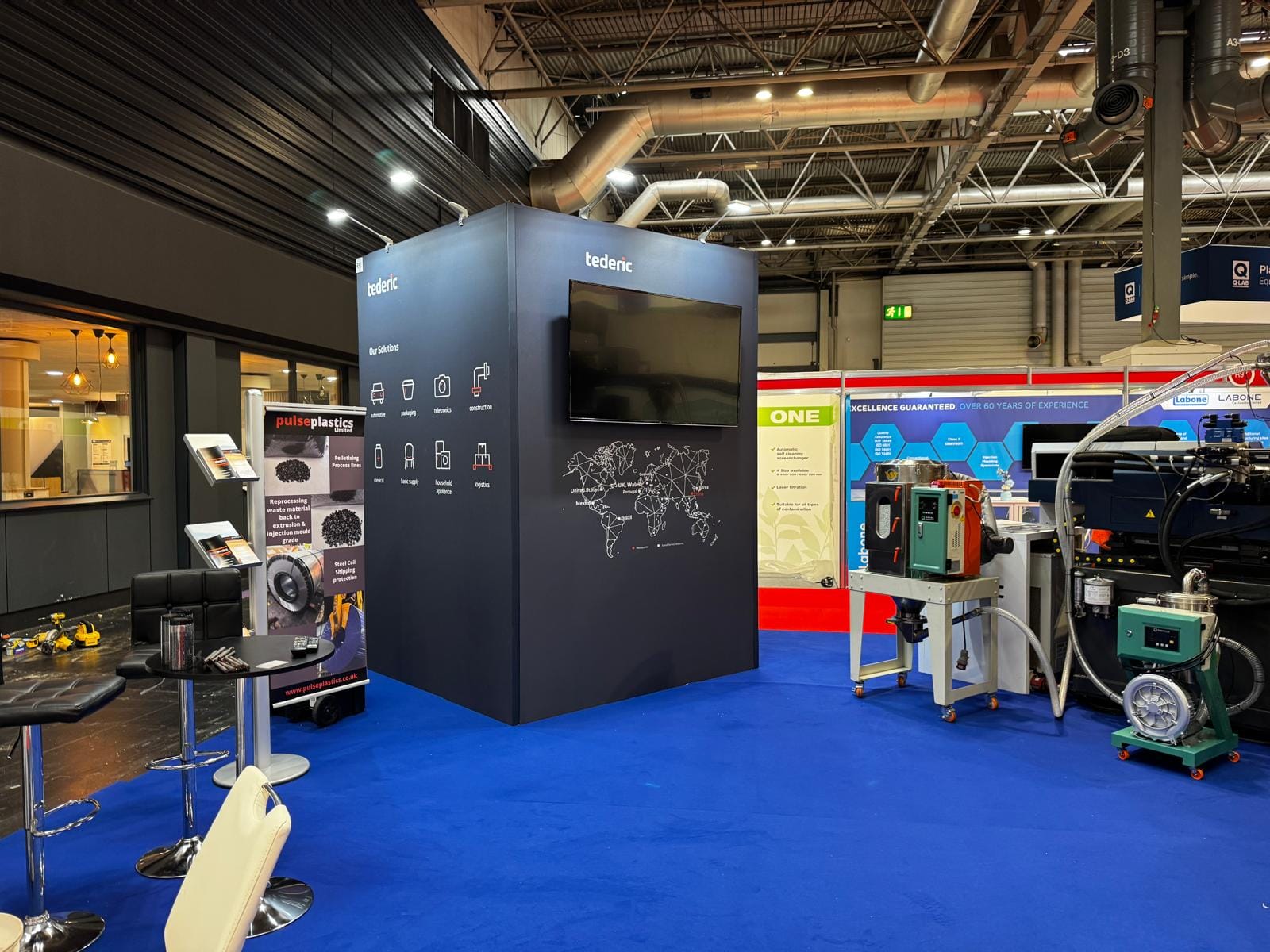
The most common mistake is buying screen size as a proxy for impact. A 65-inch screen on a 3m by 3m stand dominates the space, forces visitors to stand too close to take it in, and leaves nowhere to actually talk. A 32-inch on a 6m by 4m island disappears entirely.
A reasonable rule is that the viewer needs to be able to stand back roughly one and a half to two times the screen's width to read it comfortably. If your stand is not deep enough for that, the screen is too big — and going bigger will make the problem worse rather than better. Height matters more than size in a crowded hall anyway: a modest screen mounted high stays visible when the aisle fills up.
Rough guidance based on what tends to work rather than what is available. Depth of stand matters more than floor area, because depth is what gives a visitor room to stand back.
32" to 40". Anything larger and visitors cannot stand back far enough.
43" to 50", mounted high rather than at eye level.
55" to 65", or two smaller screens doing different jobs.
65"+ or an LED panel wall, visible from the far end of the hall.
A standard screen broadcasts. A touchscreen invites someone to do something, and that changes the interaction — it gives your staff a natural opener, and it lets a visitor explore at their own pace rather than waiting through a video loop.
The trade-off is that touchscreens only work with content built for them. A touchscreen running a linear video is an expensive standard screen. If you are not going to produce something genuinely interactive — a configurator, a product browser, a specification lookup — the money is better spent on a larger standard screen or better lighting. Ours run from 40 inch up to 65 inch dual-touch.
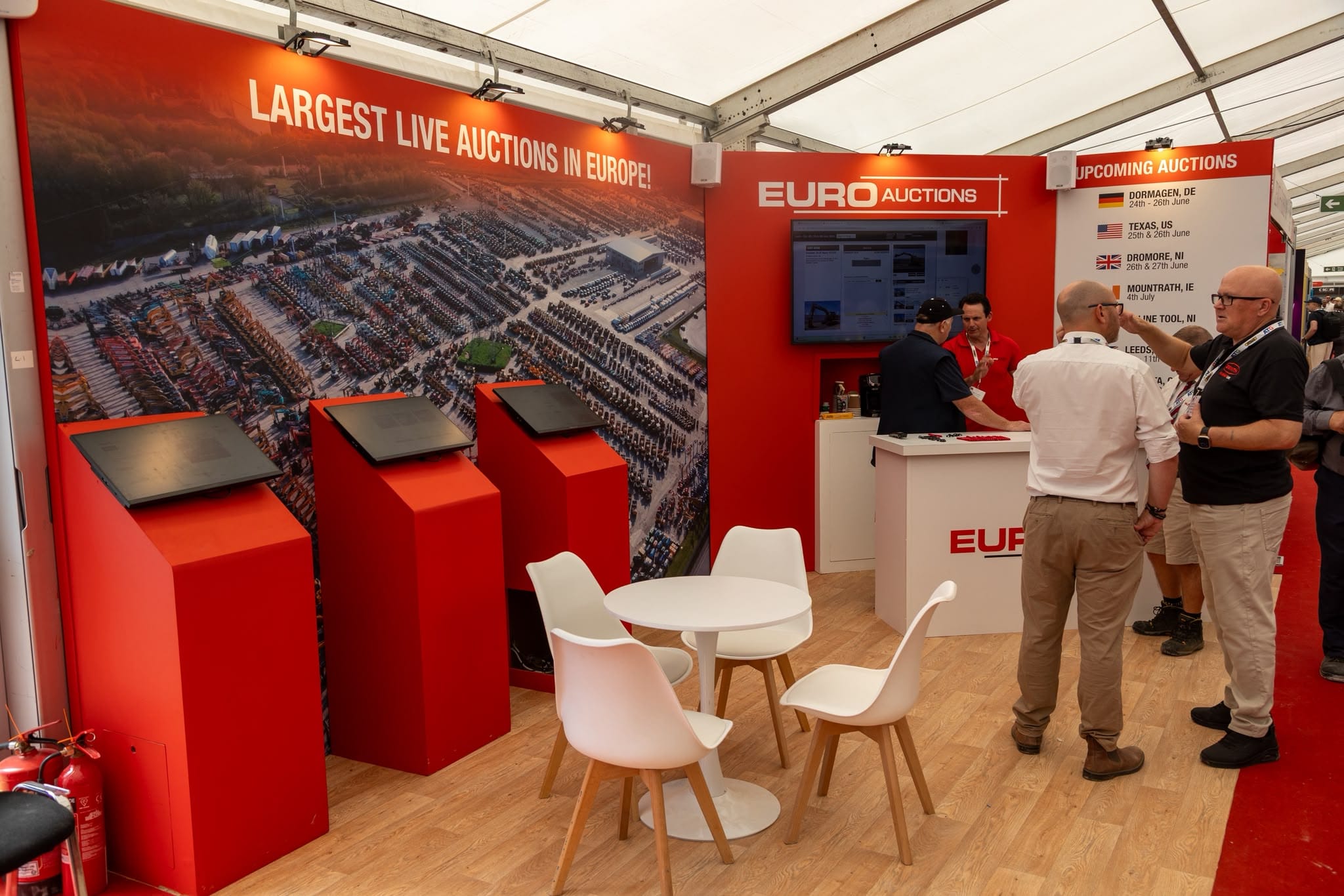
A form on an iPad beats a bowl of business cards you never transcribe.
You can put several out for less than one large screen.
One per person on the stand means nobody waits to be served.
A security stand and guided access mode stop it wandering off.
For a lot of exhibitors the iPad does more work than the big screen. It is the cheapest item on the list and it is the one that actually captures something you can follow up.

Almost all AV problems at a show are content or logistics problems rather than equipment problems. The kit turns up and works; what fails is that nobody prepared a file in the right aspect ratio, or the power was ordered for the wrong side of the stand, or the only person who knew the password is not at the show.
The two that cost the most are sound and mounting. Sound rarely works in an exhibition hall — the ambient noise floor is high and your neighbours will not thank you, so unless you have an enclosed space, plan for content that reads silently. And a screen mounted at seated height is read by nobody once three people are standing in front of it.
None of these are technical. All of them are things that get discovered on build day, when the options for fixing them are limited and expensive.
Organiser deadlines for power are earlier than you think, and it is dearer on site.
Content built for 16:9 letterboxes badly on anything else.
Halls are loud. Content should work with the sound off.
Someone at the show needs to be able to unlock and reset everything.
You do not need us to build your stand to hire equipment from us. Plenty of exhibitors book a shell scheme through their organiser and hire the screens, iPads and furniture separately, which is usually cheaper than taking the organiser's own AV package — particularly because our prices cover the whole event rather than being charged by the day.
Where it gets easier is when the two are planned together. If we are building the stand, screen positions, cable routes, power drops and mounting are designed in rather than solved on site with a bracket and optimism. Either way the kit is delivered, installed and collected by us.
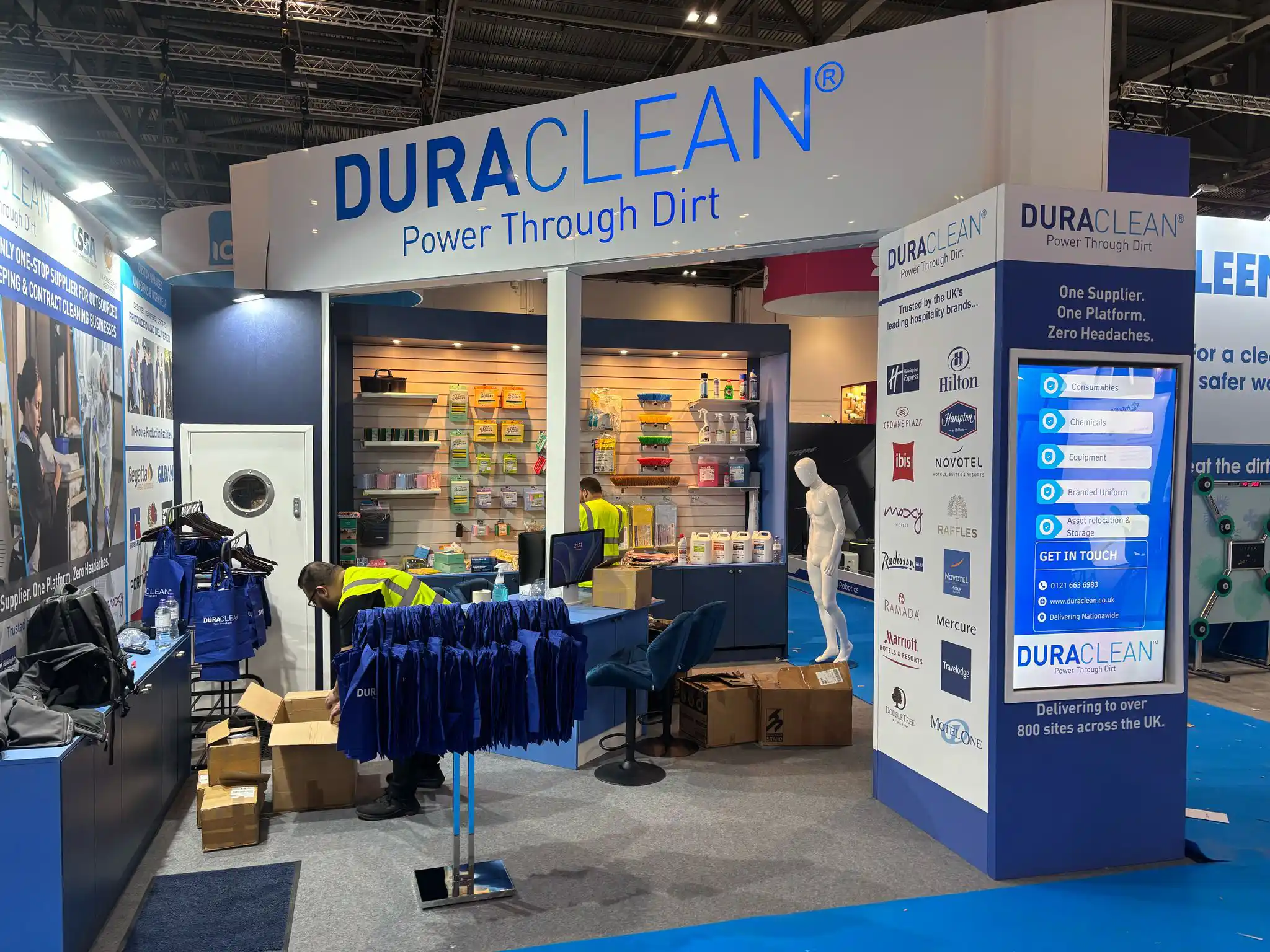
Depth decides the screen size more than floor area does.
So we can check access, delivery windows and organiser rules.
Demo, brand presence or data capture — each points to different kit.
If so, we design the mounting and cable routes in.
If you already know roughly what you need, these four things are enough for us to confirm availability and put a figure together.
Previous Post
8 September 2026
Next Post
9 September 2026
Expert craftsmanship underpins every exhibition stand we build — combining precision construction, premium materials, and many years of hands-on experience to deliver stands that look exceptional and perform flawlessly on site.